


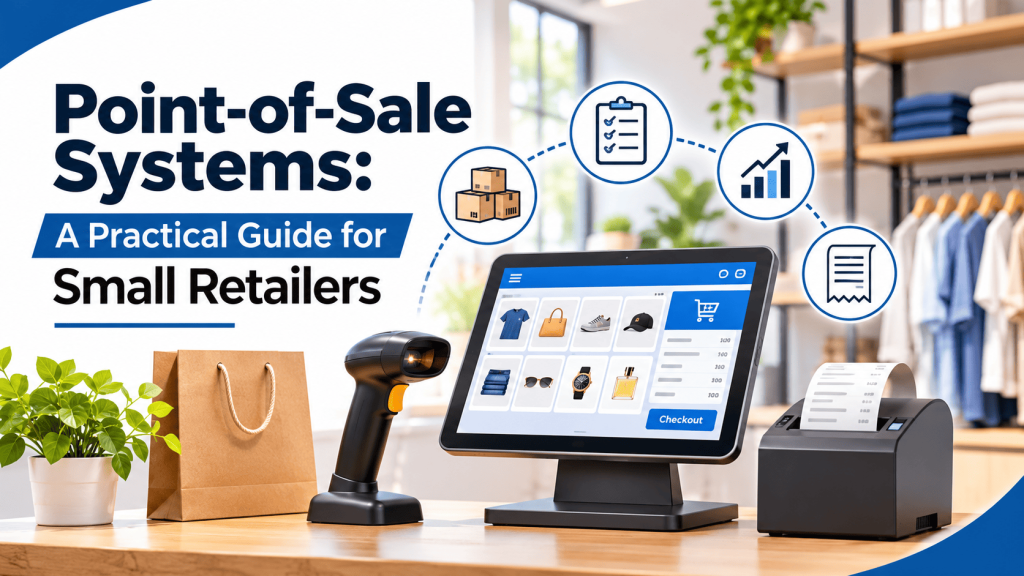
A point-of-sale system does far more than ring up purchases. It tracks inventory, records customer information, manages discounts, and produces the reports owners rely on to make decisions. Choosing the wrong system can mean years of workarounds and frustration.
Small retailers can make a better choice by comparing features, total costs, and support before signing up.
List the Features You Actually Need
Start with daily tasks: checkout speed, barcode scanning, inventory counts, low-stock alerts, gift cards, returns, and employee permissions. Add needs like online store syncing, loyalty programs, or multi-location reporting if they apply.
Ask staff who work the register what slows them down today. Their input often reveals which features matter most.
Check that the system integrates with your accounting software and payment processor so data does not have to be entered twice.
Compare Total Costs and Hardware
Look beyond the monthly subscription. Compare payment processing rates, hardware costs for terminals, scanners, printers, and cash drawers, and fees for add-ons or extra registers. Ask whether you can use existing hardware.
Review contract length, cancellation terms, and whether you can export your sales and customer data if you switch later.
Technology providers listed in the Hardware and Software Services category on ACE Directory Listings can help retailers compare systems and set up hardware correctly.
Plan Setup, Security, and Support
Schedule setup during a slow period, import products carefully, and train staff before launch day. Ask about offline mode so sales continue if the internet goes down.
Choose systems that support secure card processing and keep software updated. Confirm support hours match your business hours, especially weekends.
Conclusion
The right POS system makes daily operations smoother for years. List the features you need, compare total costs, and plan setup and support carefully. Technology providers can share their POS services on their websites and directories such as ACE Directory Listings, helping retailers find local help.
Frequently Asked Questions
What does a POS system do?
A point-of-sale system processes sales and often manages inventory, customers, discounts, employees, and reports.
How much does a POS system cost?
Costs include software subscriptions, payment processing fees, and hardware. Totals vary widely, so compare full pricing.
Can a POS system work offline?
Many systems offer offline modes that store transactions until the connection returns. Ask how each system handles outages.
Can I switch POS systems later?
Yes, but check whether you can export product, sales, and customer data before choosing a system.
Does my POS need to connect to accounting software?
Integration saves time and reduces errors, so many retailers choose systems that sync with their accounting tools.